
 FA+
FA+ Shop
Shop
967
Views
Views
14
Favorites
Favorites
Category
Artwork (Digital) / Fat Furs
Species Dragon (Other)
Size 1200 x 800
File Size 443.2 kB
Report this content
More from Envy



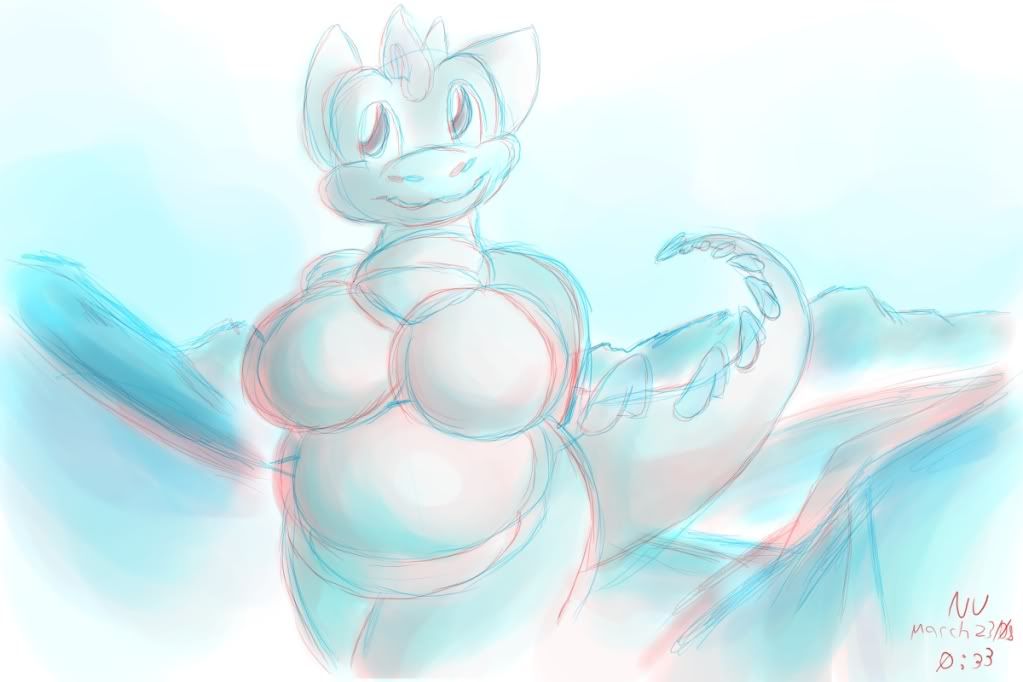
You guys seemed to like the last one, so here is another
This one works better than the last X3
Note: If your having trouble seeing it, back up a ways. Also try looking at this one, which has a bit less depth when you get it to work but is a bit more suitable to the larger size that monitors provide
http://i205.photobucket.com/albums/.....typeversio.jpg
This one works better than the last X3
Note: If your having trouble seeing it, back up a ways. Also try looking at this one, which has a bit less depth when you get it to work but is a bit more suitable to the larger size that monitors provide
http://i205.photobucket.com/albums/.....typeversio.jpg
Category Artwork (Digital) / Fat Furs
Species Dragon (Other)
Size 1200 x 800px
File Size 443.2 kB


Sure :3
It's a easier to see, but it doesn't pop out as much.
http://i205.photobucket.com/albums/.....typeversio.jpg
It's a easier to see, but it doesn't pop out as much.
http://i205.photobucket.com/albums/.....typeversio.jpg


More or less trial and error :x
Also, use basic shapes. She's constructed out of basic circles, more or less, which are easier to move slightly to create the illusion of 3D. Shading also helps; just two lines don't look so good.
Even after all that, it's really only marginally 3D :x But I was experimenting X3
Also, use basic shapes. She's constructed out of basic circles, more or less, which are easier to move slightly to create the illusion of 3D. Shading also helps; just two lines don't look so good.
Even after all that, it's really only marginally 3D :x But I was experimenting X3
what, you put the red and blue closer to make it closer to you?
Nah, your eyes are spaced out. Something up close will get two drastic angles close to each other, the farther away the closer the two images get.
To see this pretty well, hold something about a meter away from you, and close one eye and alternate between your eyes, opening one at a time. Then move it to about a foot. and do the same. The one closer to you will 'move' more as you alternate.
Nah, your eyes are spaced out. Something up close will get two drastic angles close to each other, the farther away the closer the two images get.
To see this pretty well, hold something about a meter away from you, and close one eye and alternate between your eyes, opening one at a time. Then move it to about a foot. and do the same. The one closer to you will 'move' more as you alternate.


Comments