
 FA+
FA+ Shop
Shop
435
Views
Views
0
Favorites
Favorites
Category
Screenshots / All
Species Unspecified / Any
Size 1280 x 660
File Size 144.3 kB
Report this content
More from Ochiru_Yuki


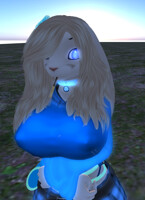
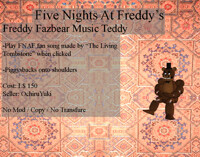
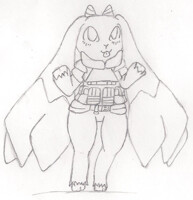

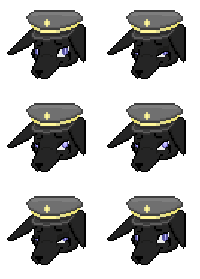
Now available for SL, Now your Bifrost bunny can have some neat looking eyes too.
How to buy:
Send a note card to "ochiruyuki" to validate that you wish to purchase. from there ill IM you and we can make the transaction!
How to use:
-Set you Bifrost Bunny eyes to show a from of pupil
-then make a copy of the set of eyes
-rez the copyed set and open edit
-select edit linked
-move layers aside till you reach the layer with the pupil
-apply texture to that layer
-move all layers back and take the new eye
-after both have been done just add them to your char
Note: should the pupil section be changed in the hud the eyes will reset the textures to default and process will have to be redone, You have been informed. Other parts in the eye section of the hud will not remove it, just dont mess with the pupil setting and you should be fine. (whites, Iris, Iris 2, Specs = safe to use)
How to buy:
Send a note card to "ochiruyuki" to validate that you wish to purchase. from there ill IM you and we can make the transaction!
How to use:
-Set you Bifrost Bunny eyes to show a from of pupil
-then make a copy of the set of eyes
-rez the copyed set and open edit
-select edit linked
-move layers aside till you reach the layer with the pupil
-apply texture to that layer
-move all layers back and take the new eye
-after both have been done just add them to your char
Note: should the pupil section be changed in the hud the eyes will reset the textures to default and process will have to be redone, You have been informed. Other parts in the eye section of the hud will not remove it, just dont mess with the pupil setting and you should be fine. (whites, Iris, Iris 2, Specs = safe to use)
Category Screenshots / All
Species Unspecified / Any
Size 1280 x 660px
File Size 144.3 kB

Comments